PIXELS
A picture element
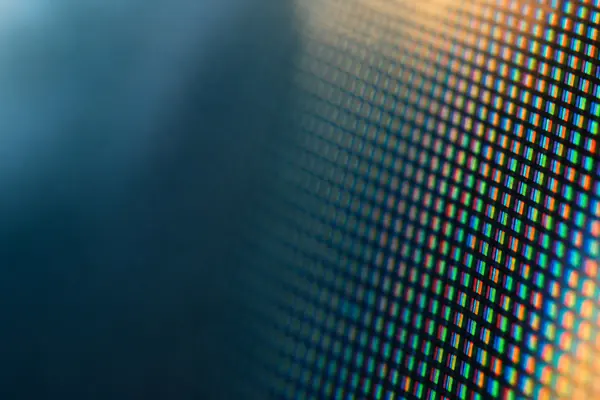
A pixel is the smallest dot with its own brightness and colour. On most screens it is built from red, green and blue parts.
Where pixels began doodlescreen
HOW SCREENS WORK
Pixels, resolution and refresh rate, without the jargon.
Count the pixels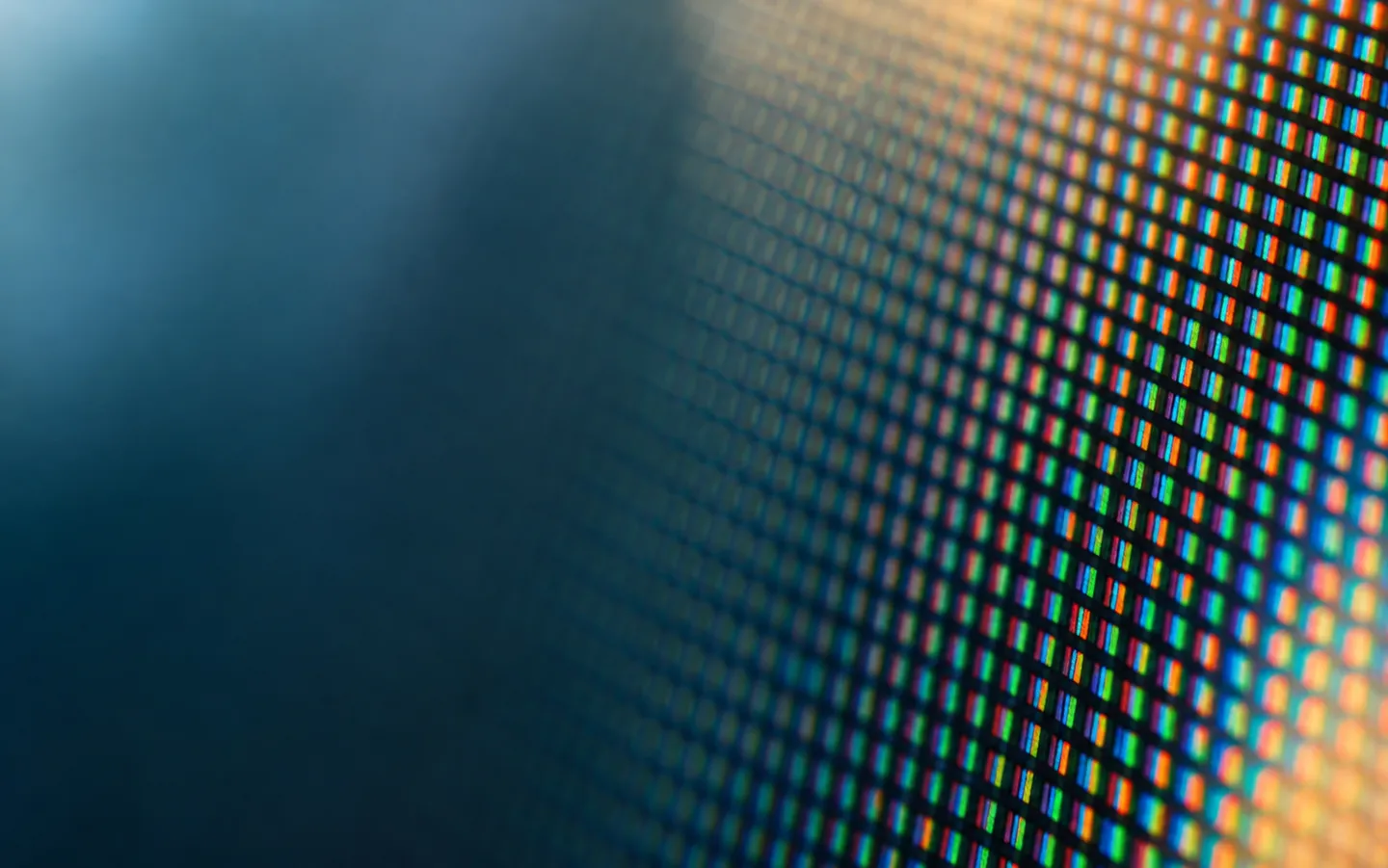
1 PIXEL3 colours
Every screen is a grid of tiny dots that light up and change many times a second. Once you know how many dots there are, how often they change and where the light comes from, the labels on the box start to make sense.
Numbers checked against the published standards.
At a glance
Backlight + filter
The light comes from behind
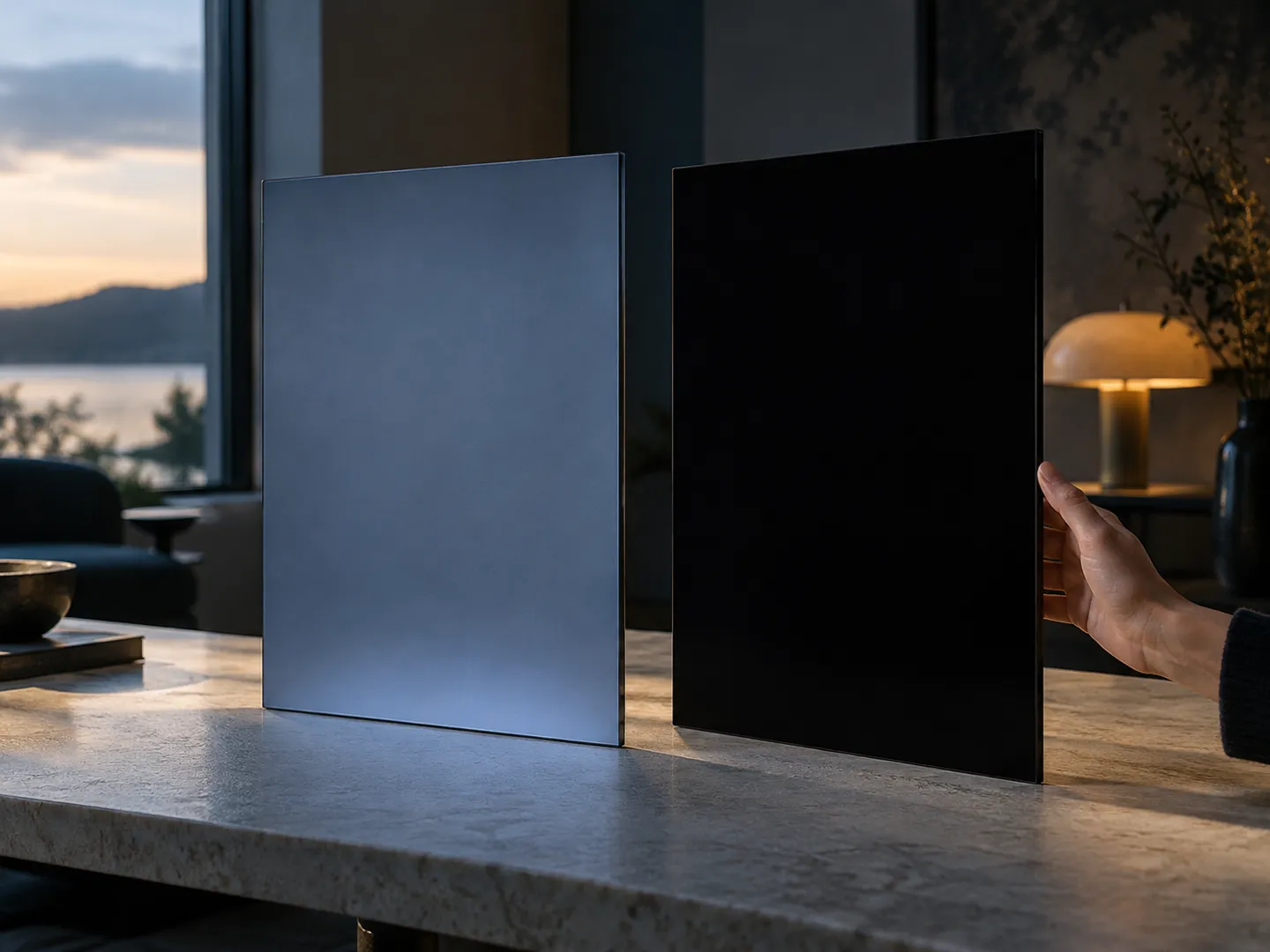
Liquid crystals do not make light. A backlight shines through them, and each sub-pixel lets more or less of it pass. Because the backlight stays on, a little light gets through even where the picture should be black.
LCD · LIQUID CRYSTAL
Off = black
Each pixel makes its own light
Thin layers of carbon-based material glow when a current flows through them, so no backlight is needed. A pixel that is switched off gives no light at all, which is why OLED screens can show true black.
OLED · ORGANIC LED
TWO WAYS TO MAKE LIGHT
Both use a grid of red, green and blue sub-pixels.
The difference is where the light comes from.
Neither is simply better. The difference shows most in dark scenes in a dark room, where an LCD's black can look slightly grey and an OLED's stays black.
A QUICK PIXEL COUNTER
Pick a format to see its pixel count. The HD and UHD sizes are the ones set by the International Telecommunication Union in Recommendations BT.709 and BT.2020.
The bar is drawn to scale against 8K. The 1957 scan is so small it barely registers.
THE SHORT ANSWER
Three numbers describe most of what a screen does:
what each dot is, how many there are, how often they change.
PIXELS
A pixel is the smallest dot with its own brightness and colour. On most screens it is built from red, green and blue parts.
Where pixels beganRESOLUTION
1080p means 1,920 × 1,080. 4K means 3,840 × 2,160: twice as wide, twice as tall, four times the pixels.
Count themREFRESH RATE
Hertz means times per second. At 60 Hz each picture lasts about 16.7 ms; at 120 Hz, about 8.3 ms.
Set it up
GET IT RIGHT
Labels like Full HD and 4K are shorthand. The width and height in pixels, such as 3,840 × 2,160, tell you exactly what you are getting.
Set your computer to the screen's own pixel count, so each dot in the picture lands on one real pixel instead of being stretched.
A screen that can run at 120 Hz may still be set to 60 Hz. Look in the display settings and pick the highest rate it lists.
Extra pixels matter most on large screens viewed up close. On a small screen across the room, the difference is much harder to see.
SCREEN FACTS
It is the smallest part of an image that has its own brightness and colour. On an LCD, each pixel is usually made of three sub-pixels: one red, one green and one blue.
In 1957 researchers at the US National Bureau of Standards scanned a photograph into a computer at 176 × 176 pixels: 30,976 in all, printed 5 cm square.
The HD standard, ITU-R BT.709, sets 1,920 pixels on each of 1,080 active lines in a 16:9 shape, a little over two million pixels.
ITU-R BT.2020 sets ultra-high definition at 3,840 × 2,160 (8,294,400 pixels) and 7,680 × 4,320, both 16:9 with square pixels.
The HD standard lists picture rates up to 60 Hz. The UHD standard adds 100 Hz and 120 Hz, alongside the familiar 24, 25, 30 and 50.
QUICK QUESTIONS
Short answers to the questions people ask most.
It describes a picture 1,080 lines tall, with 1,920 pixels on each line, as set out in the HD standard ITU-R BT.709. The p stands for progressive: every line is drawn in each frame, rather than alternate lines in turn.
It has four times the pixels: 3,840 × 2,160 is 8,294,400, against 2,073,600 for 1080p. That is twice the detail across and twice down. Whether you can see the difference depends on the screen size and how close you sit.
Hertz means times per second. A 60 Hz screen can draw a new picture 60 times a second, so each one stays up for about 16.7 milliseconds. At 120 Hz that drops to about 8.3 milliseconds, which makes motion look smoother.
An LCD filters light from a backlight that stays on behind the picture, so a little light leaks through even where the image is black. In an OLED each pixel makes its own light, and a pixel that is off gives no light at all.
On modern TV formats, yes. The ultra-high-definition standard ITU-R BT.2020 specifies a pixel aspect ratio of 1:1, which means square pixels, for both its 3,840 × 2,160 and 7,680 × 4,320 formats.
Sources
A NAME WORTH WATCHING
doodlescreen.com is part of the DoodleSale portfolio. It isn't in an auction right now, but you can ask about leasing it.